


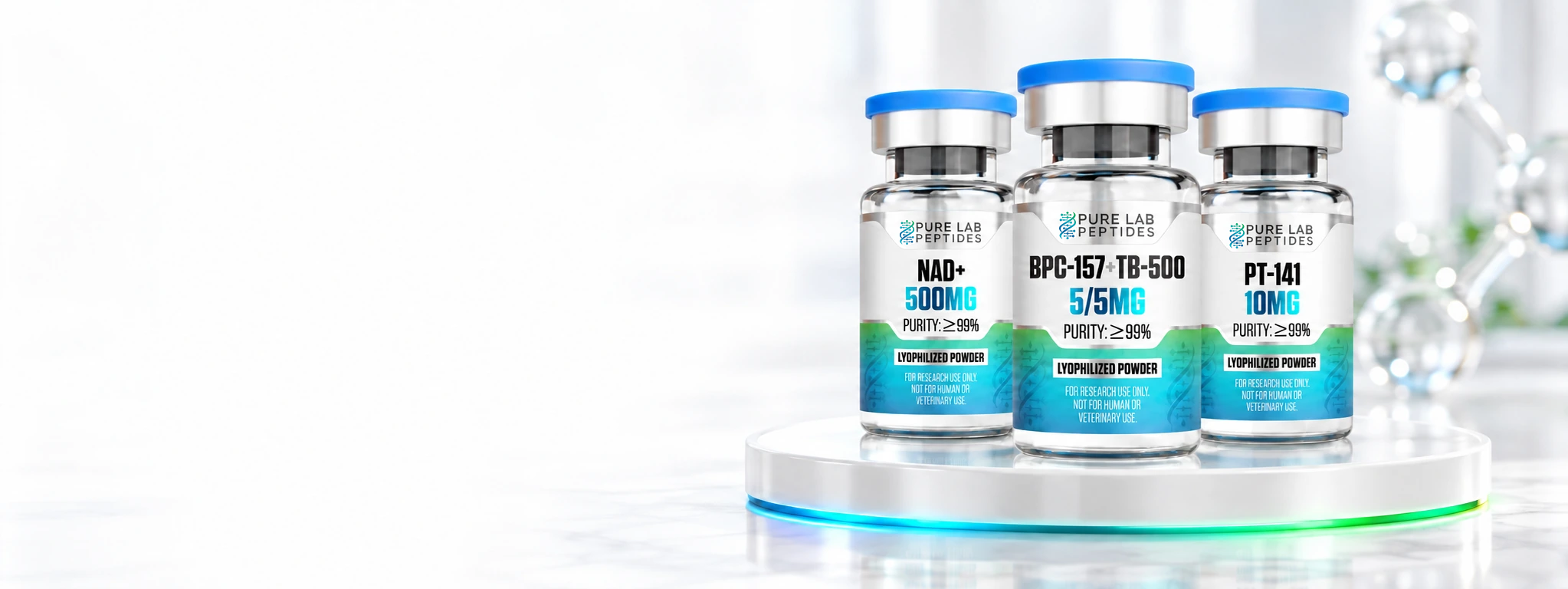
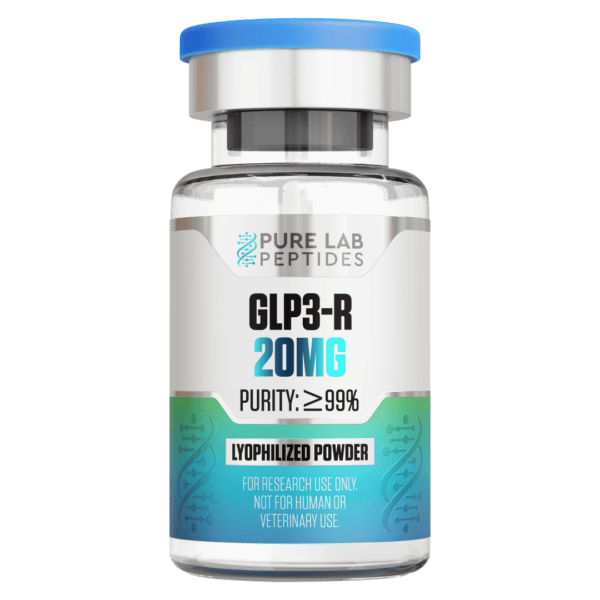
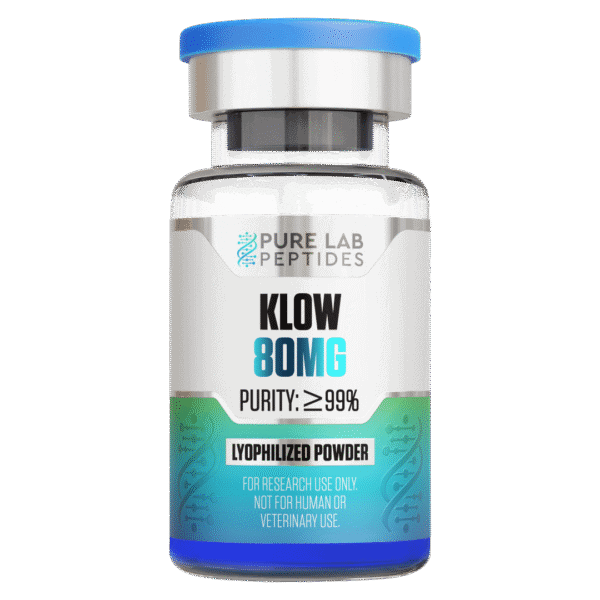
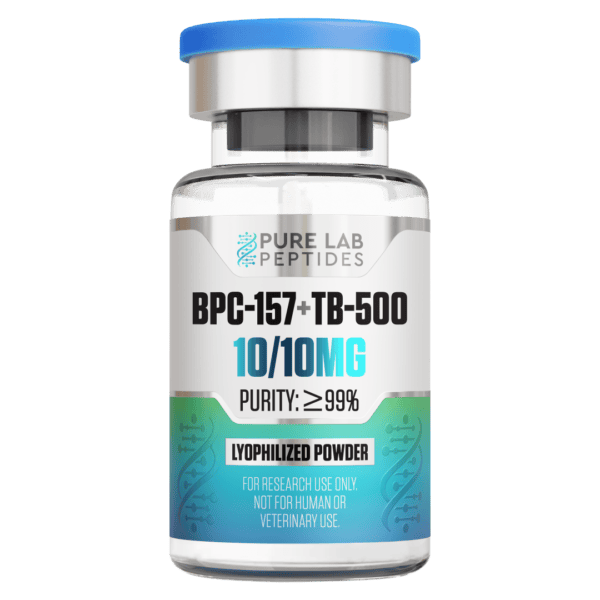
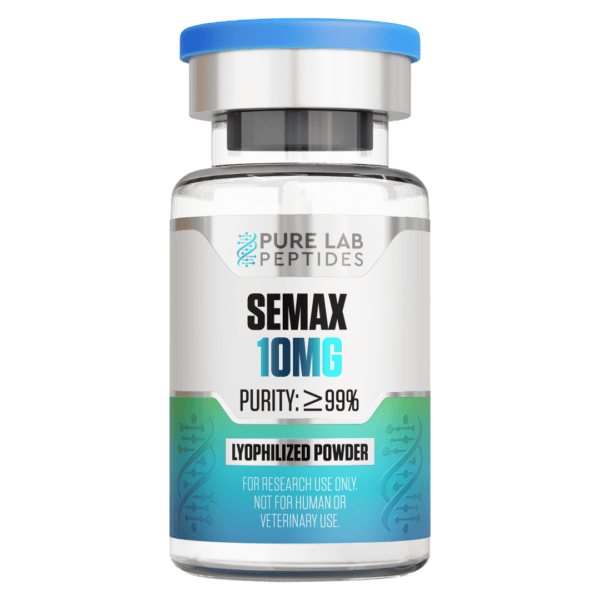
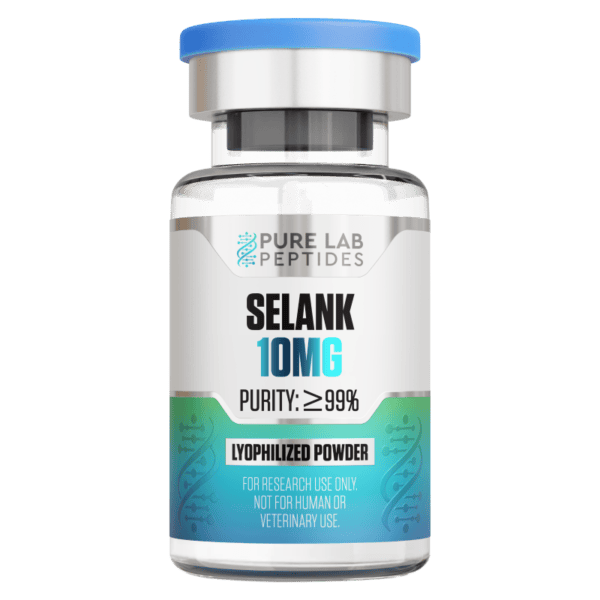
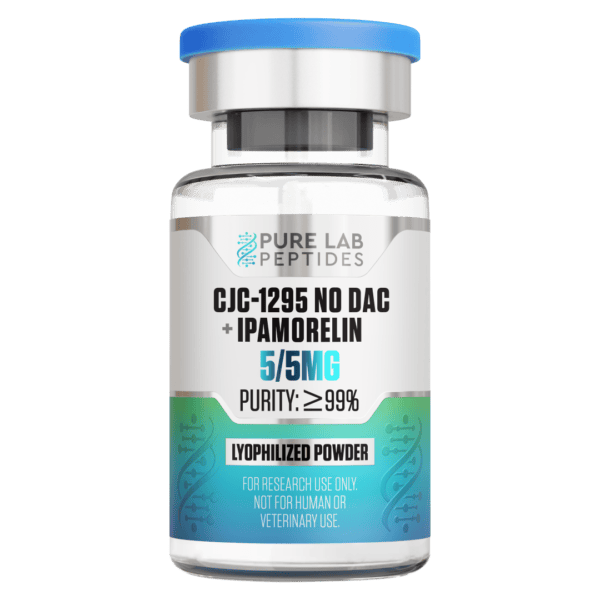
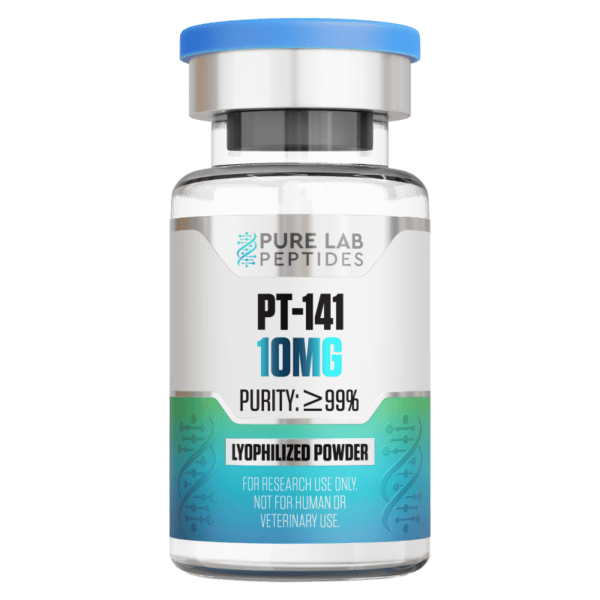
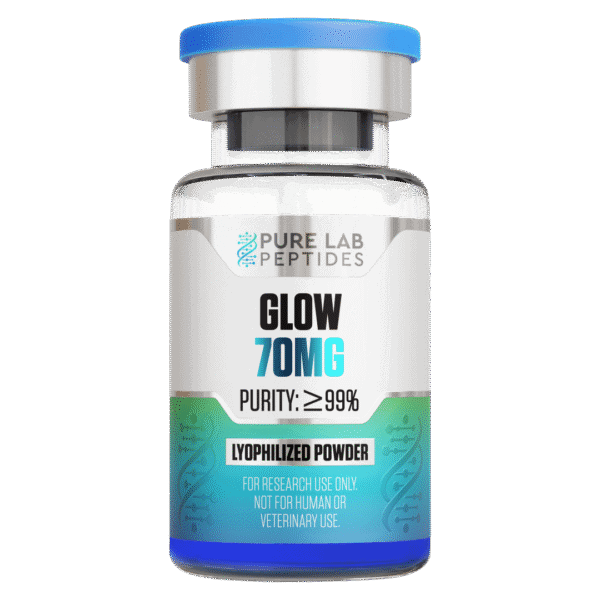
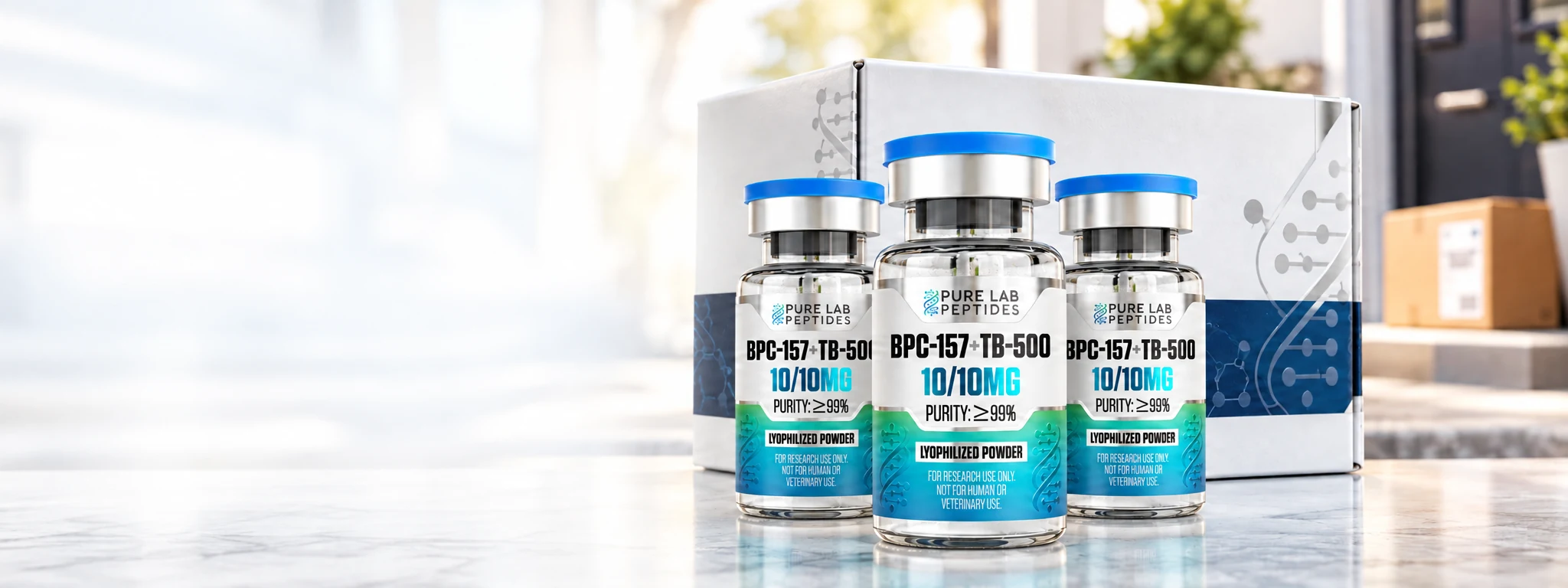
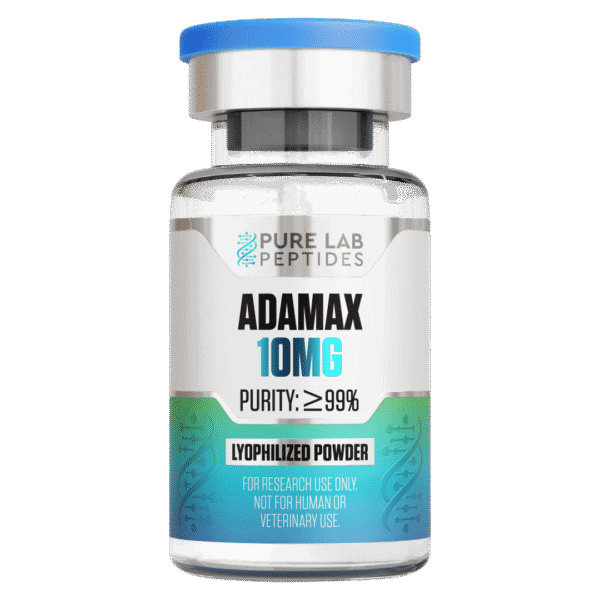
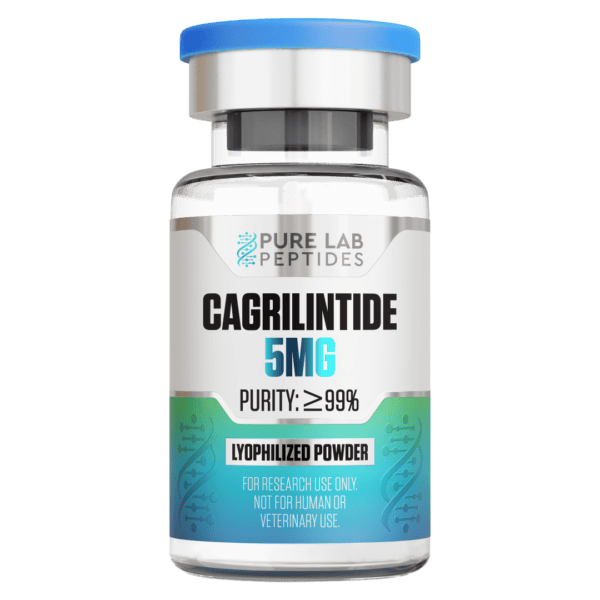
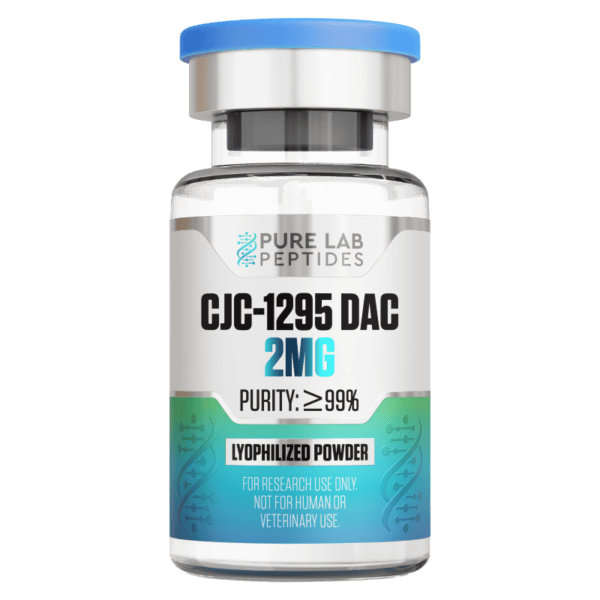
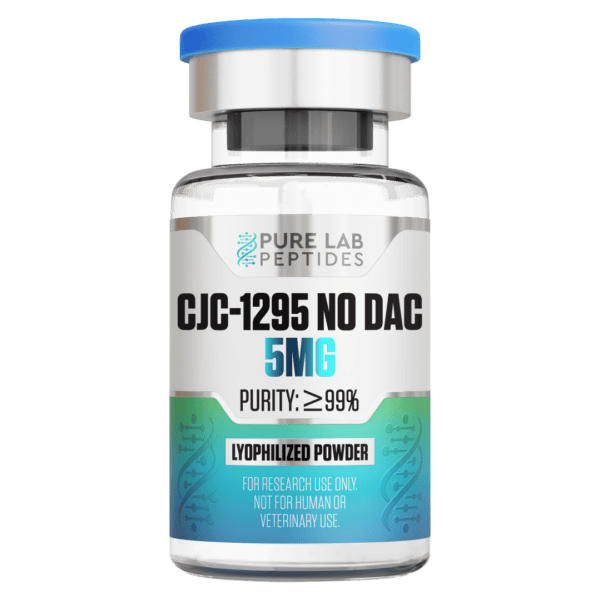
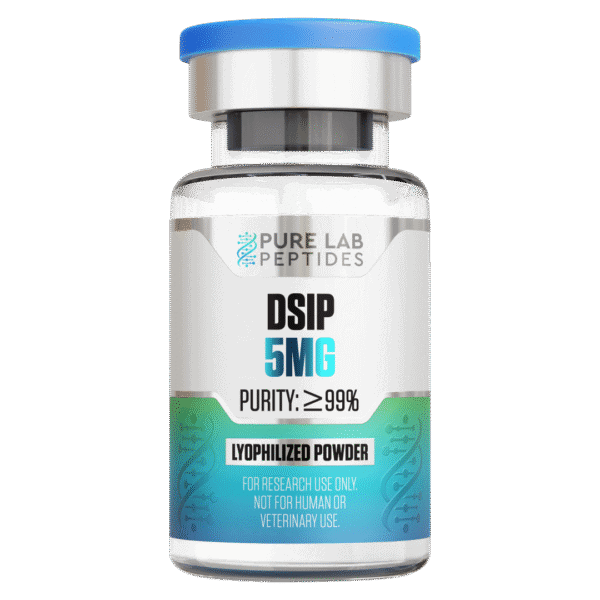
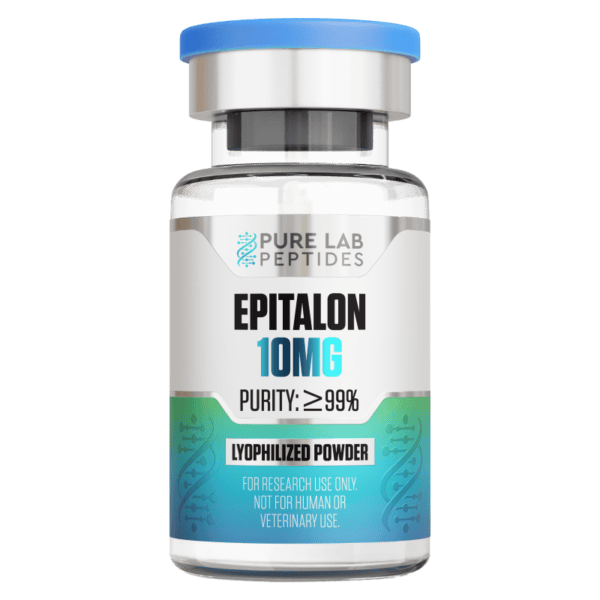
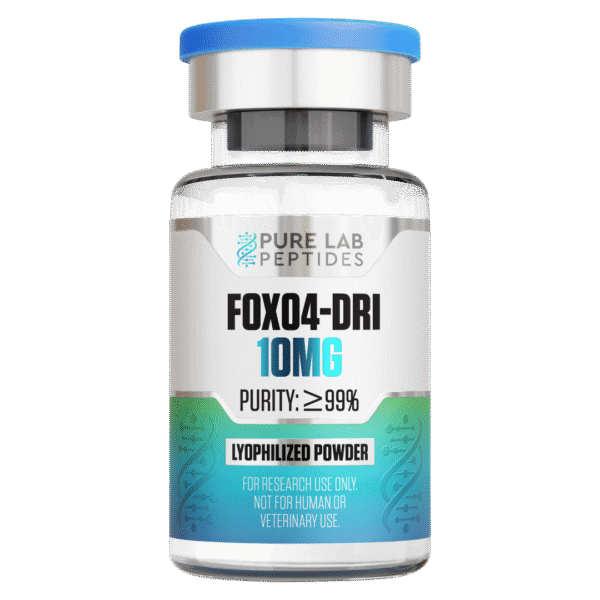
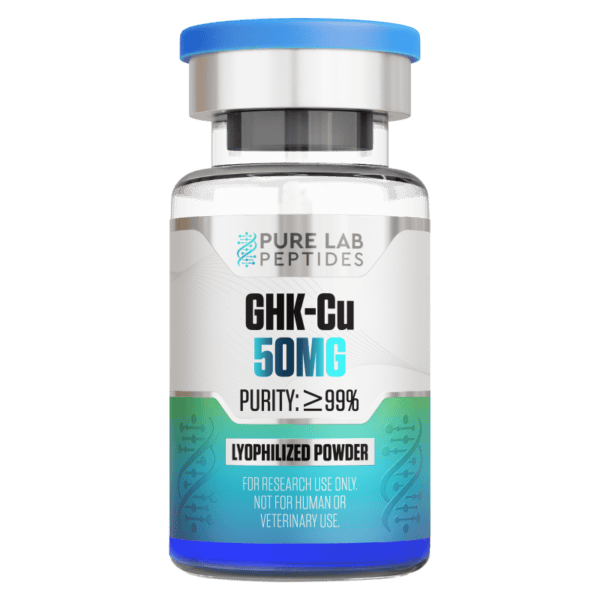
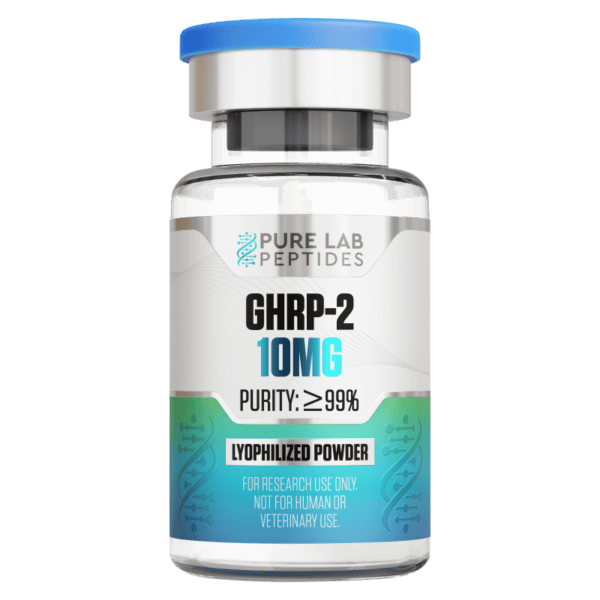

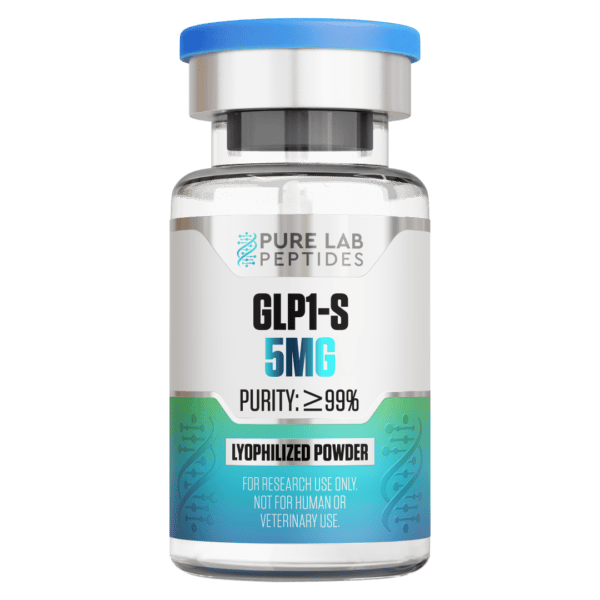
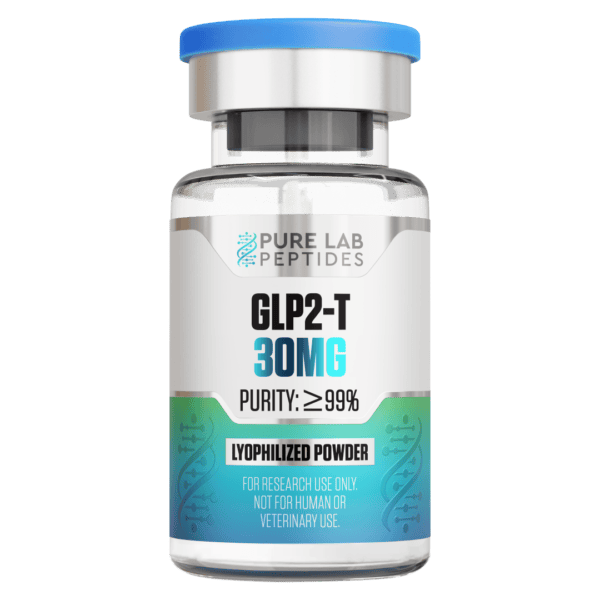
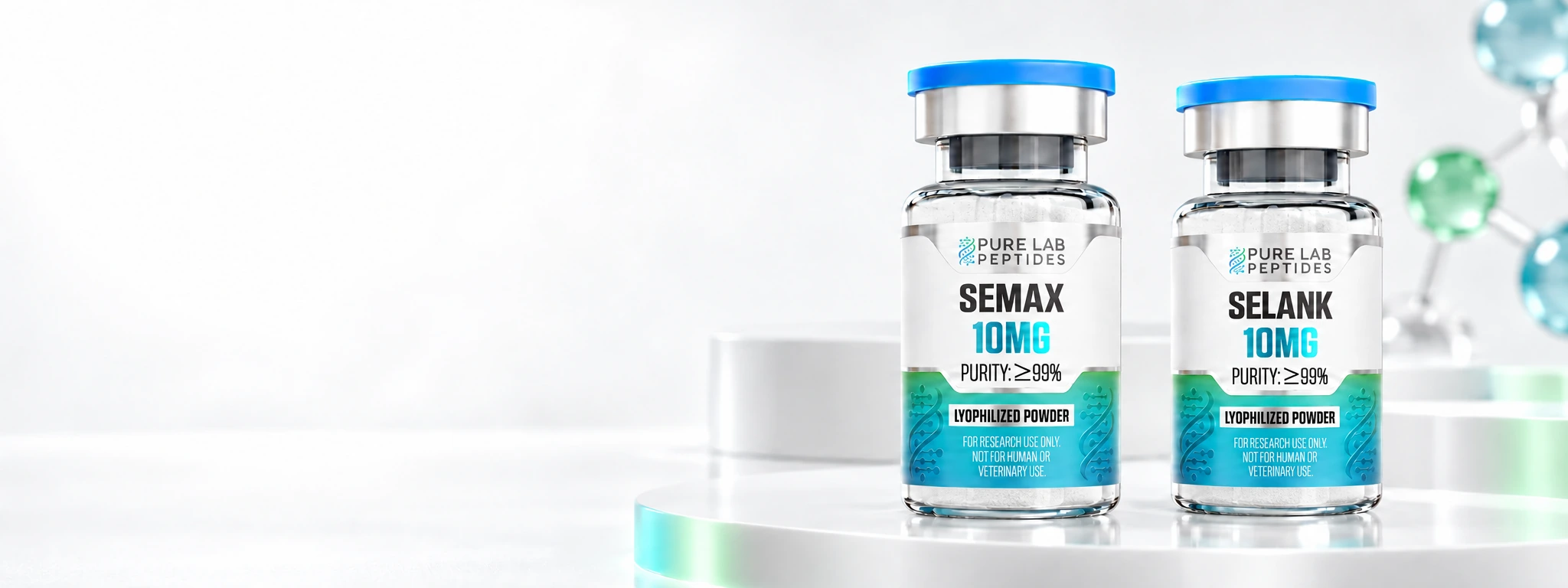
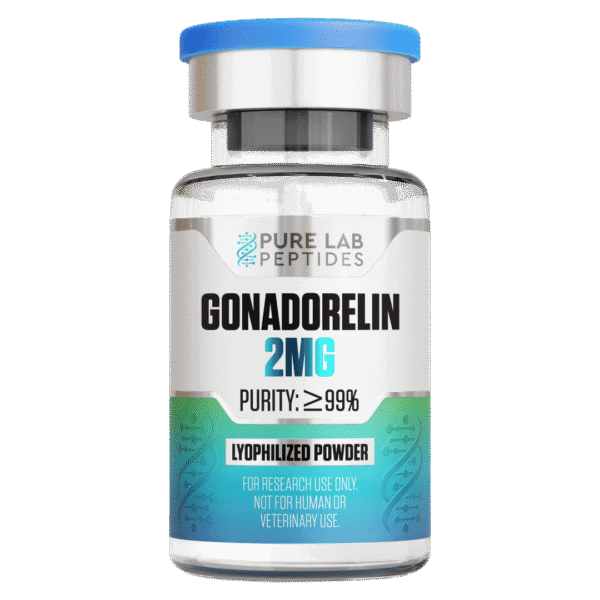
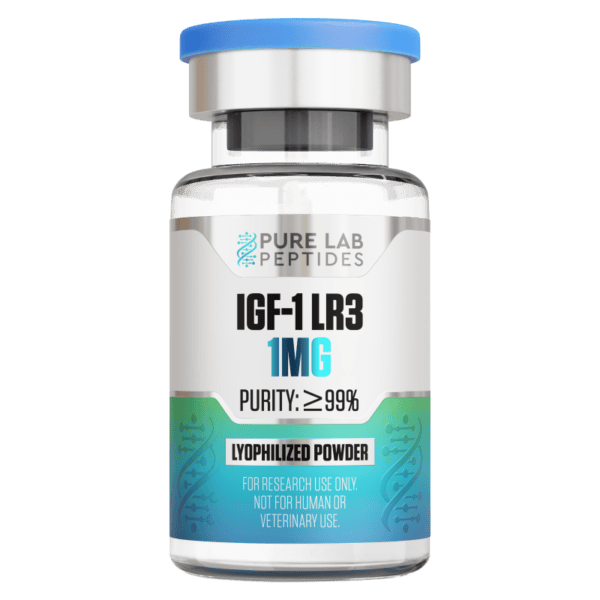
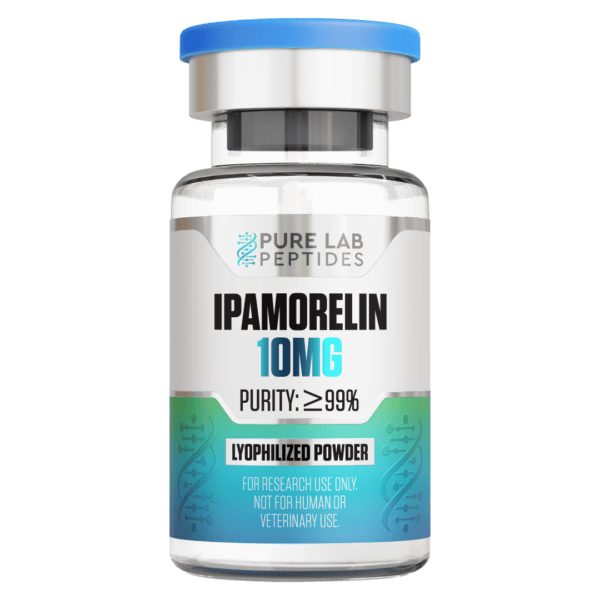
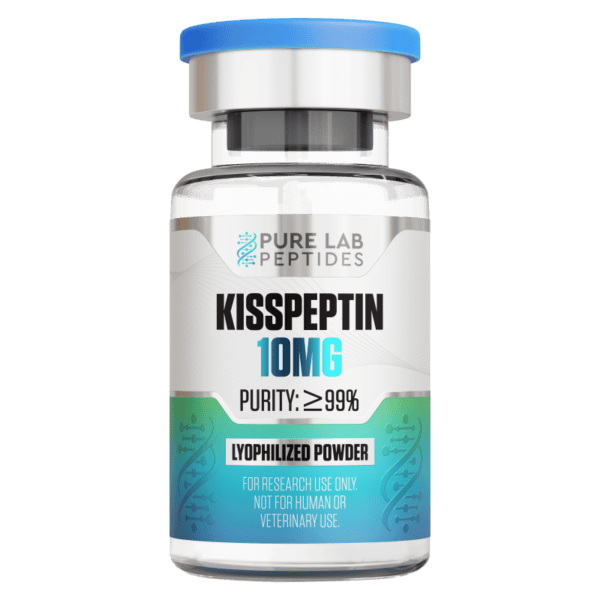
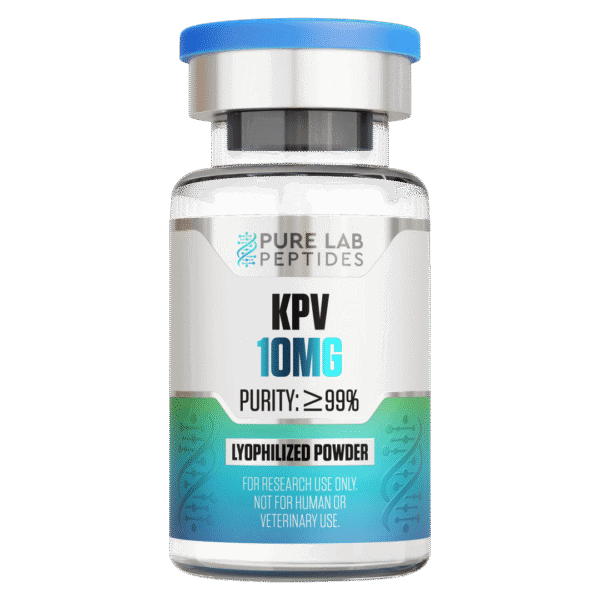
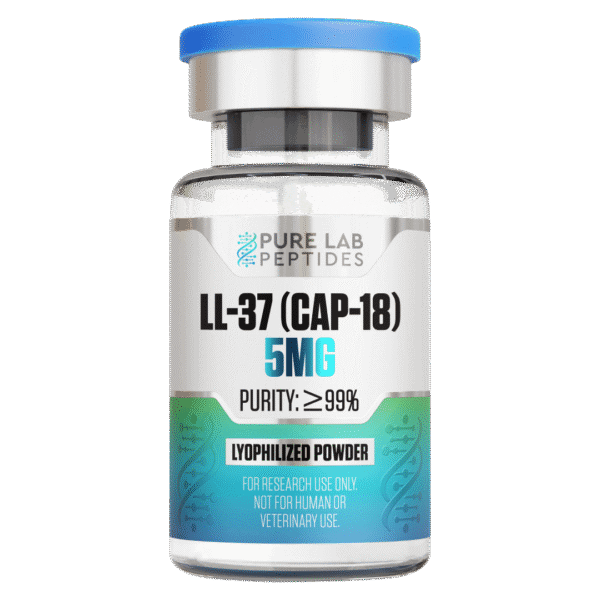
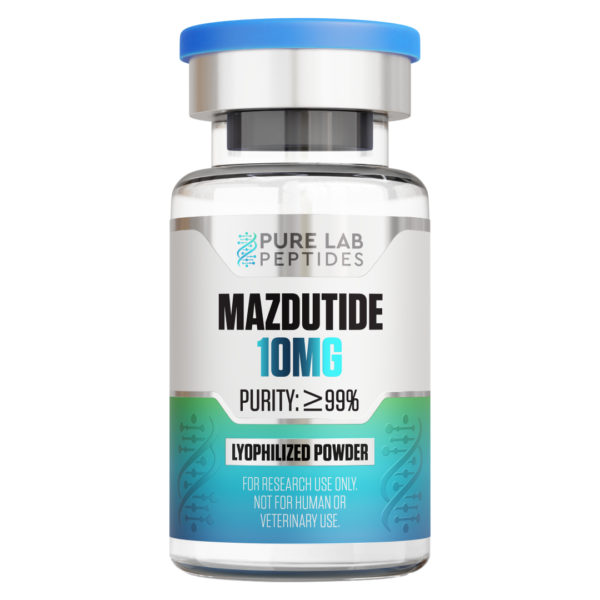
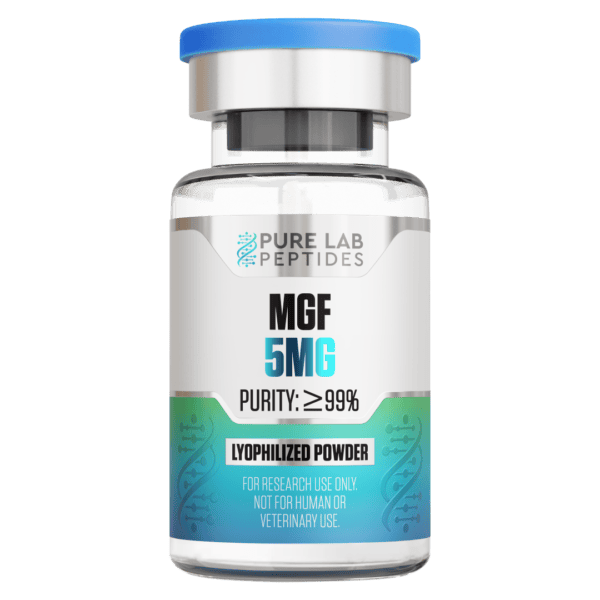
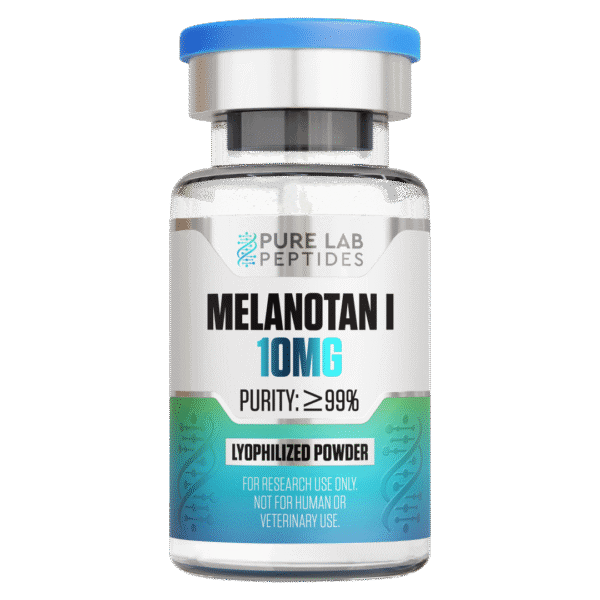
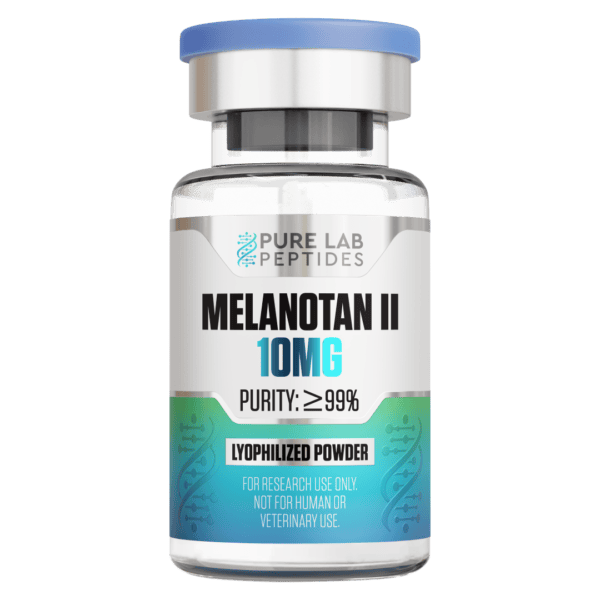
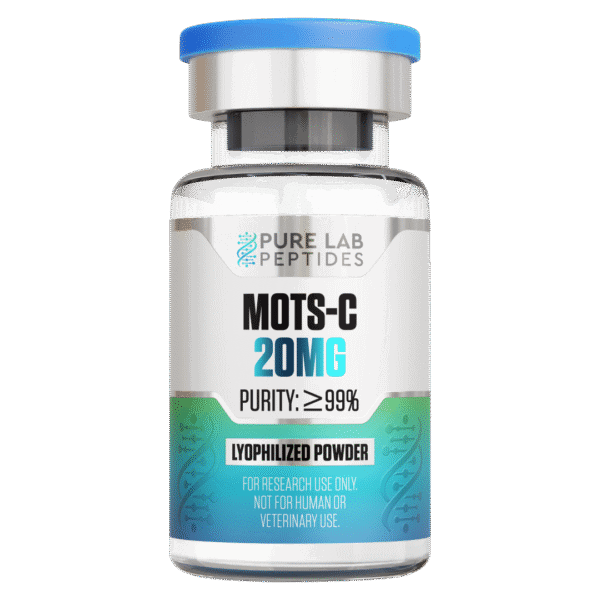
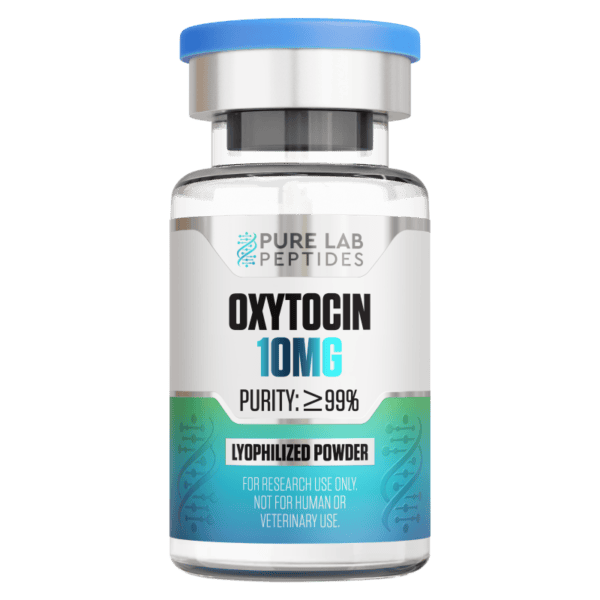
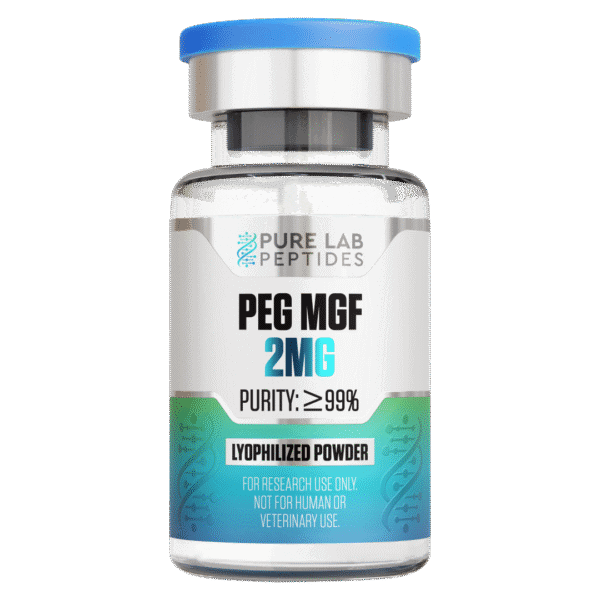







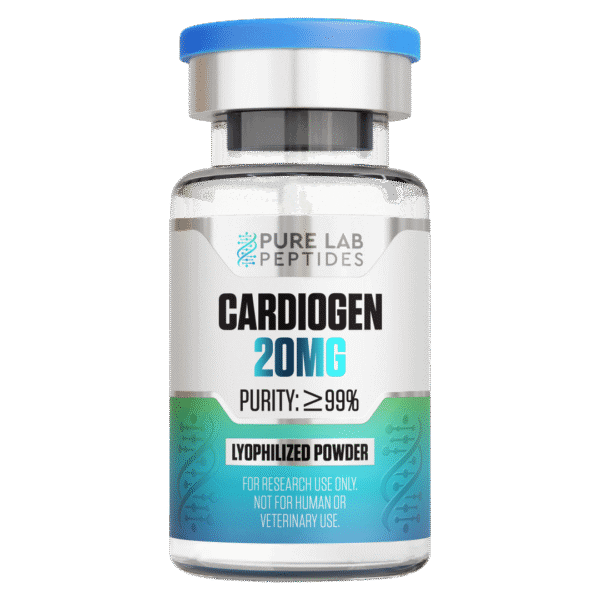
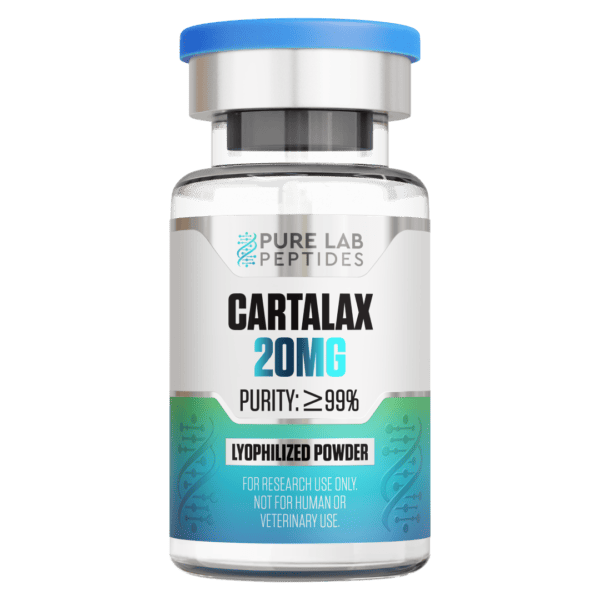
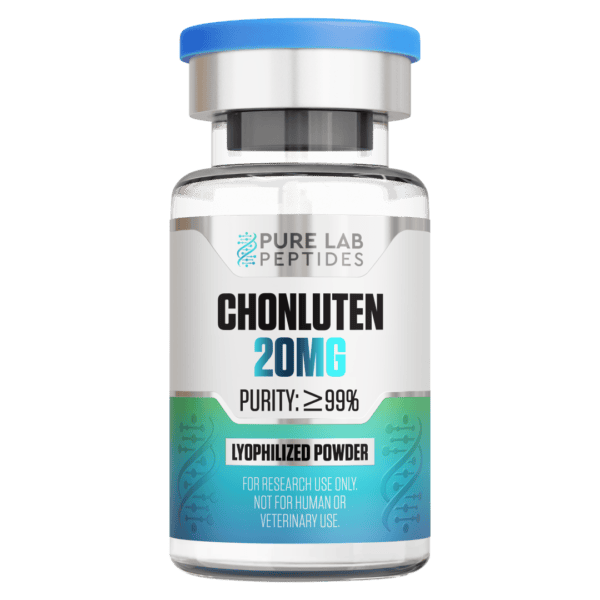
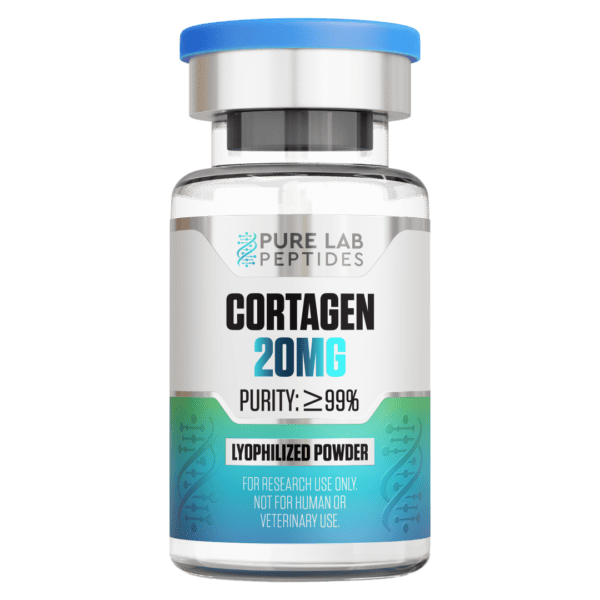
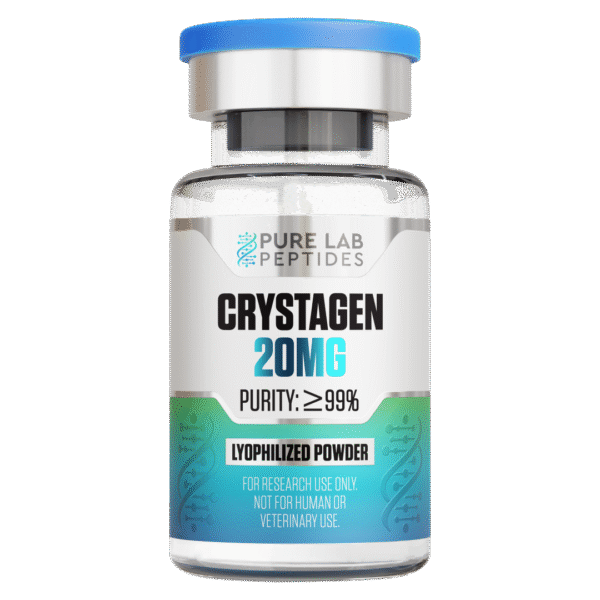
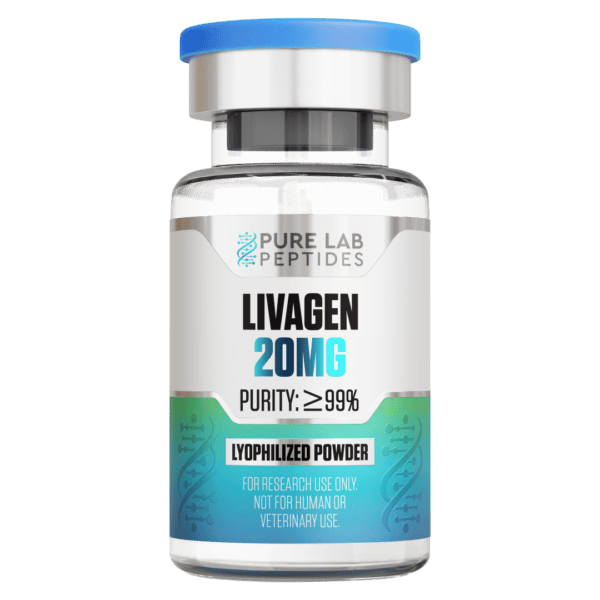
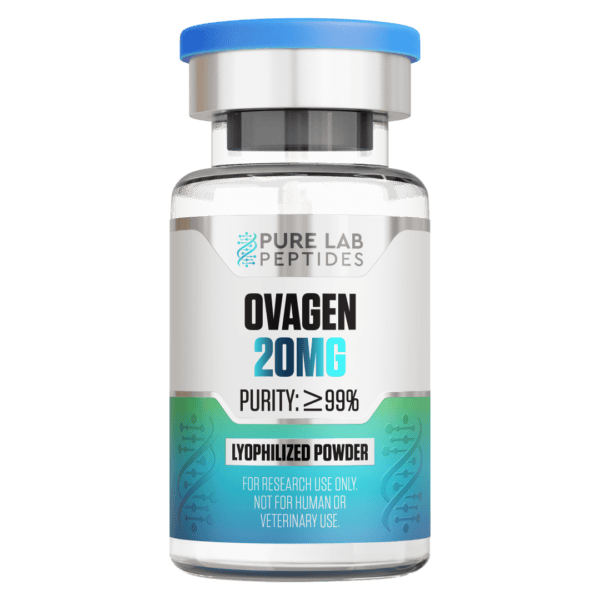
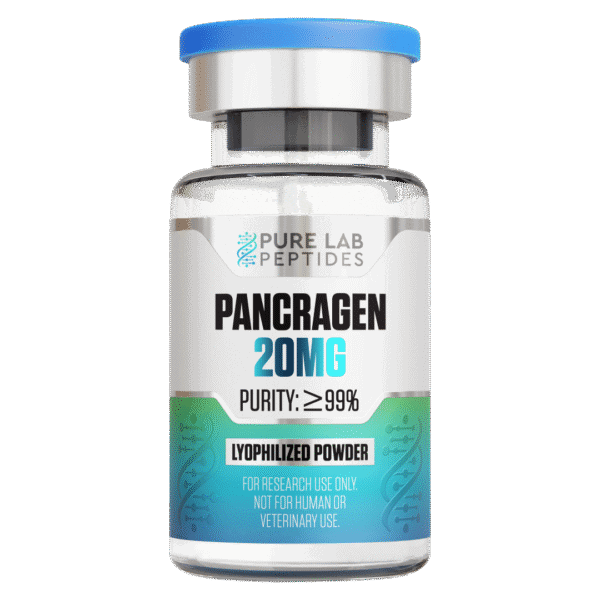
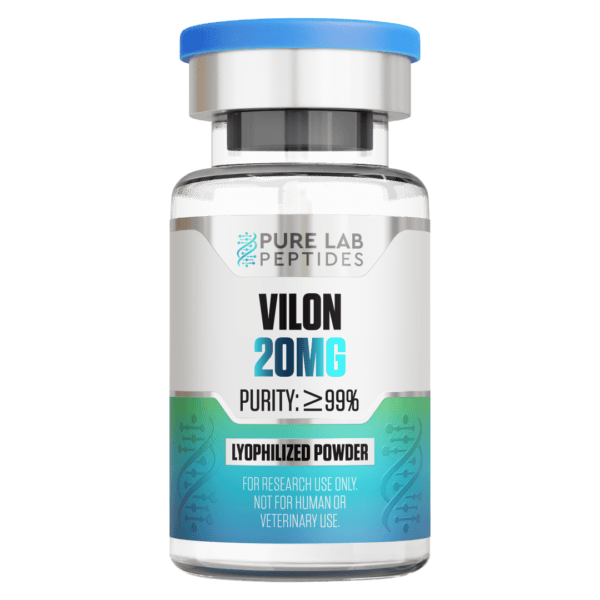
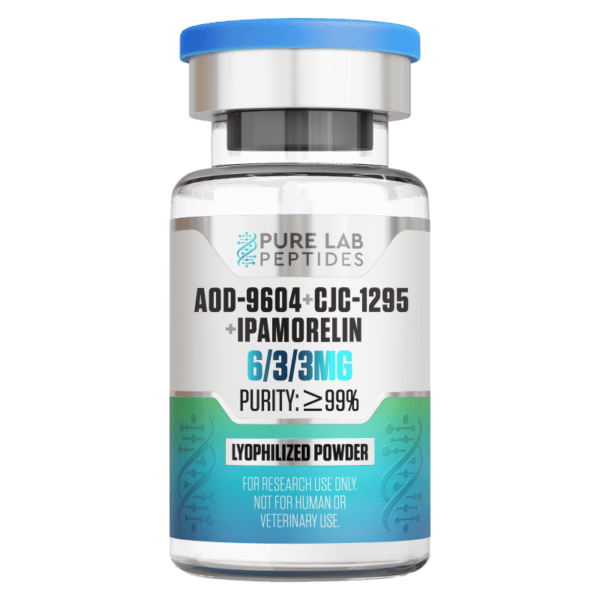
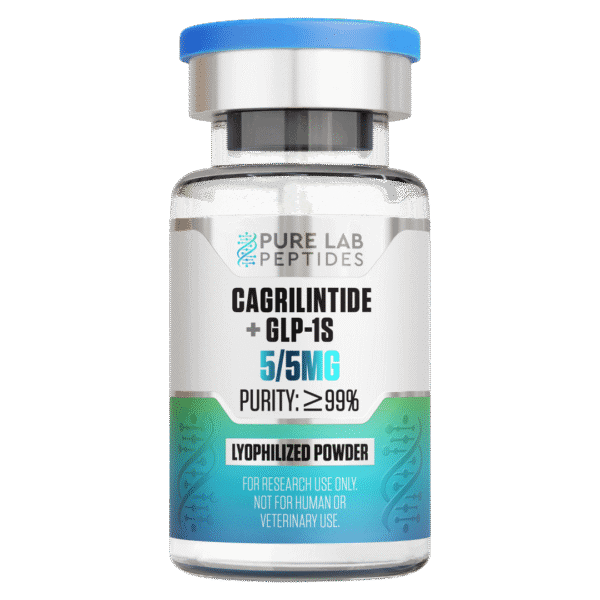
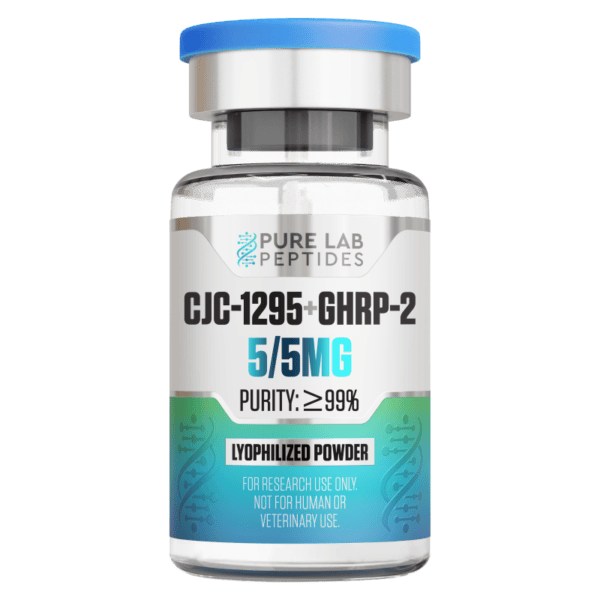
Before you buy peptides online for laboratory research, start with the compound name, the labeled amount and the report for the lot. Those details help you work out what you are ordering and which test results apply to it. At Pure Lab Peptides, you can browse the catalog, open a product page and review the published COA library before placing your research order.
This guide walks through that review, from choosing a listing to checking the material when it arrives. Use it with your laboratory’s procurement requirements and the documentation for the material you select. All products on this page are offered for laboratory research only.
Choose the compound, then compare its product record
The homepage shows one selected listing per peptide family to make the range easier to browse. For other sizes and research-area filters, open the full catalog. The individual product page gives you the complete name, labeled amount, current price and availability.
Small differences in a name can matter. CJC-1295 DAC and CJC-1295 NO DAC, for example, have separate listings. A single compound also has its own record, even when it appears in a blend. Check the full name before deciding which documentation applies.
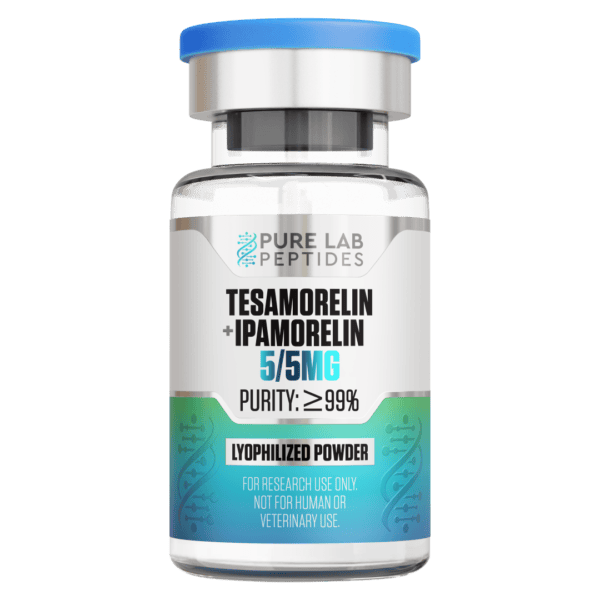
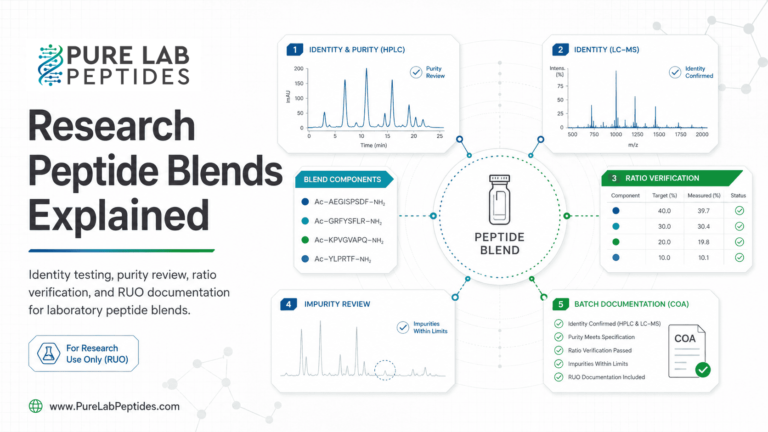
With a blend, start with the amount of each component, then look at the total. The total tells you how much is listed for the vial; it does not tell you how much of any one component it contains. Our research peptide blends guide explains how to compare those amounts when purchasing laboratory materials.
| Record to compare | What to check |
|---|---|
| Product listing | Complete compound name, variant, labeled amount and availability. |
| Blend listing | Named components, individual amounts and total listed amount. |
| Lot documentation | Matching product and batch identifiers, analysis date and source report. |
| Laboratory receiving record | The material received, its label, relevant documents and any unresolved questions. |
Read specifications and measured results separately
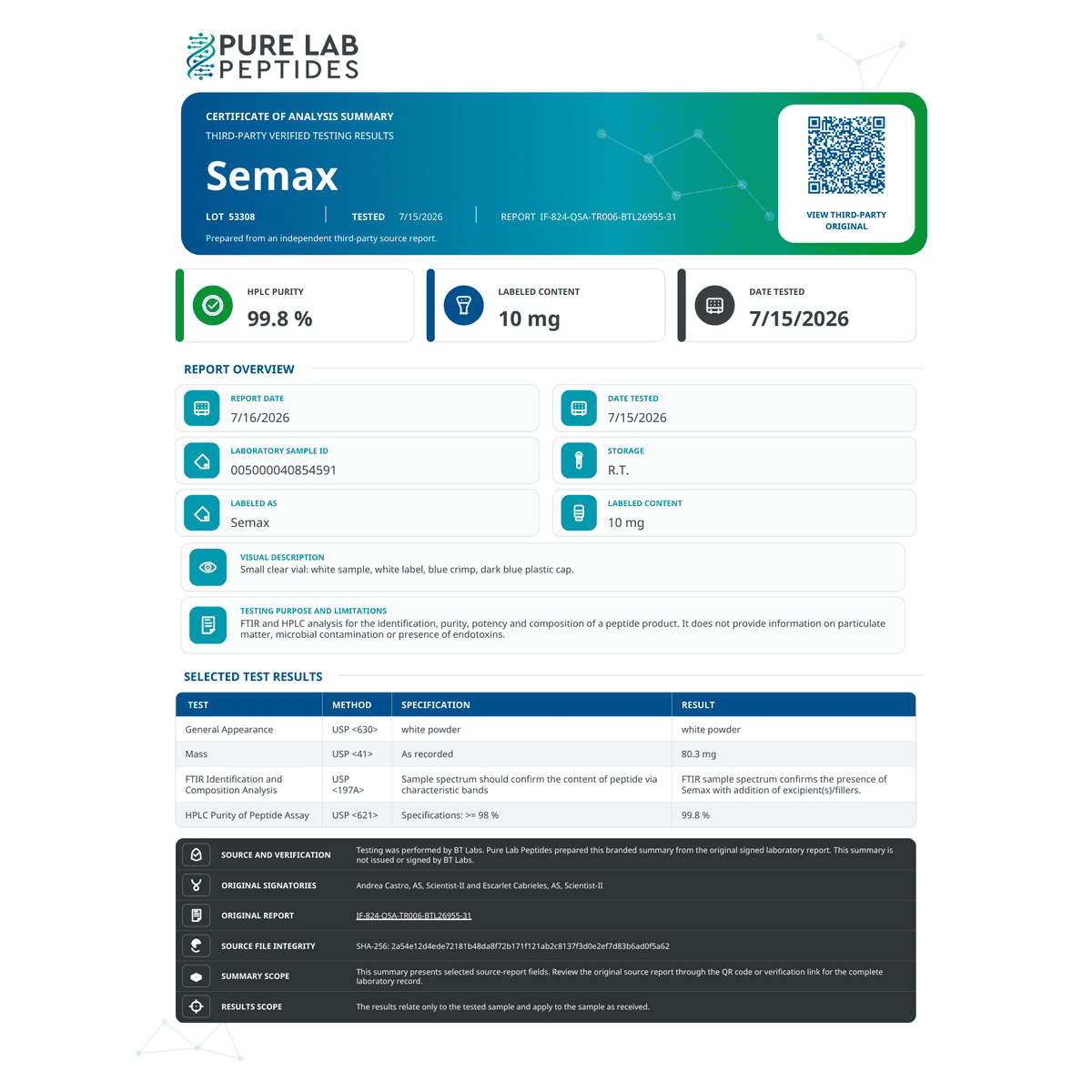
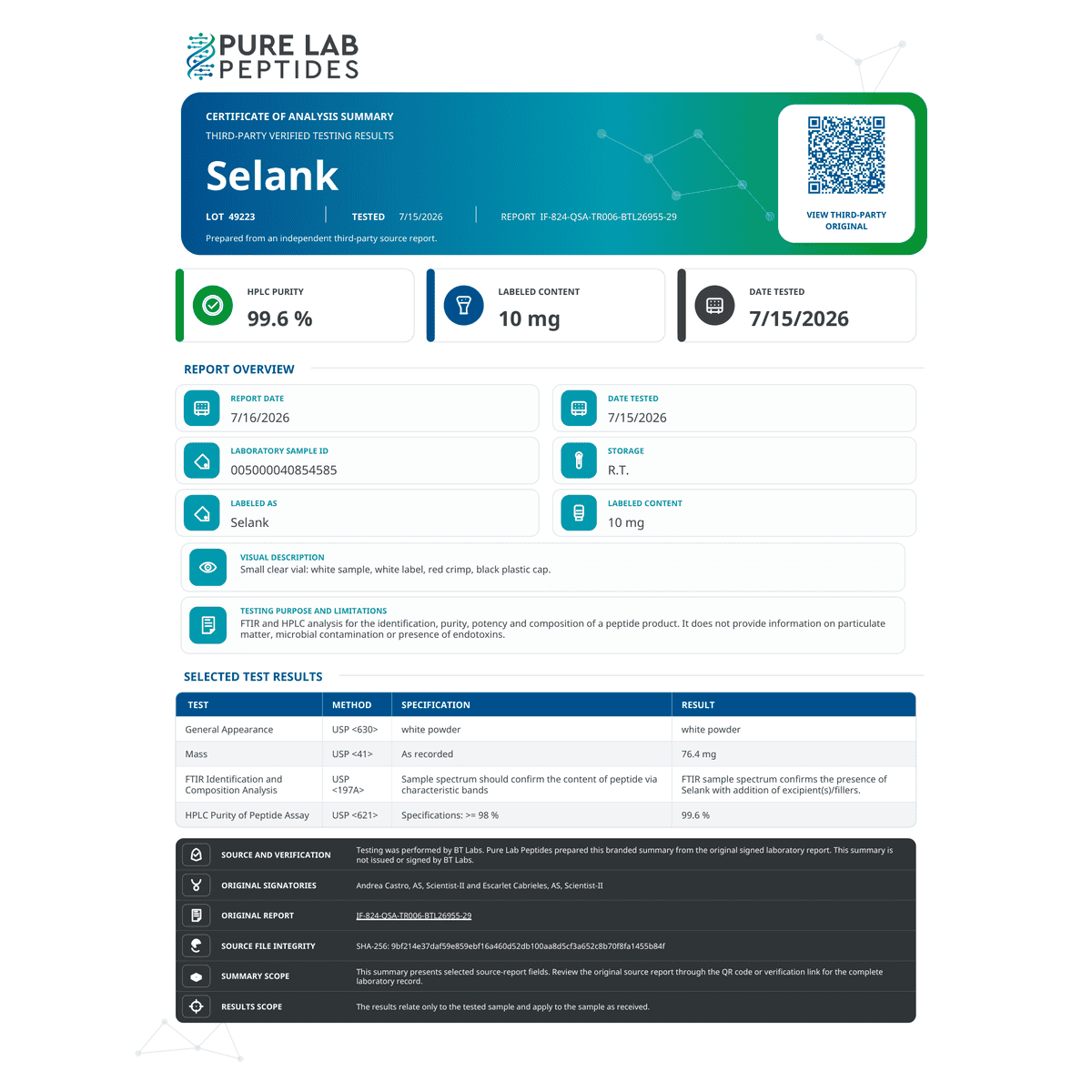
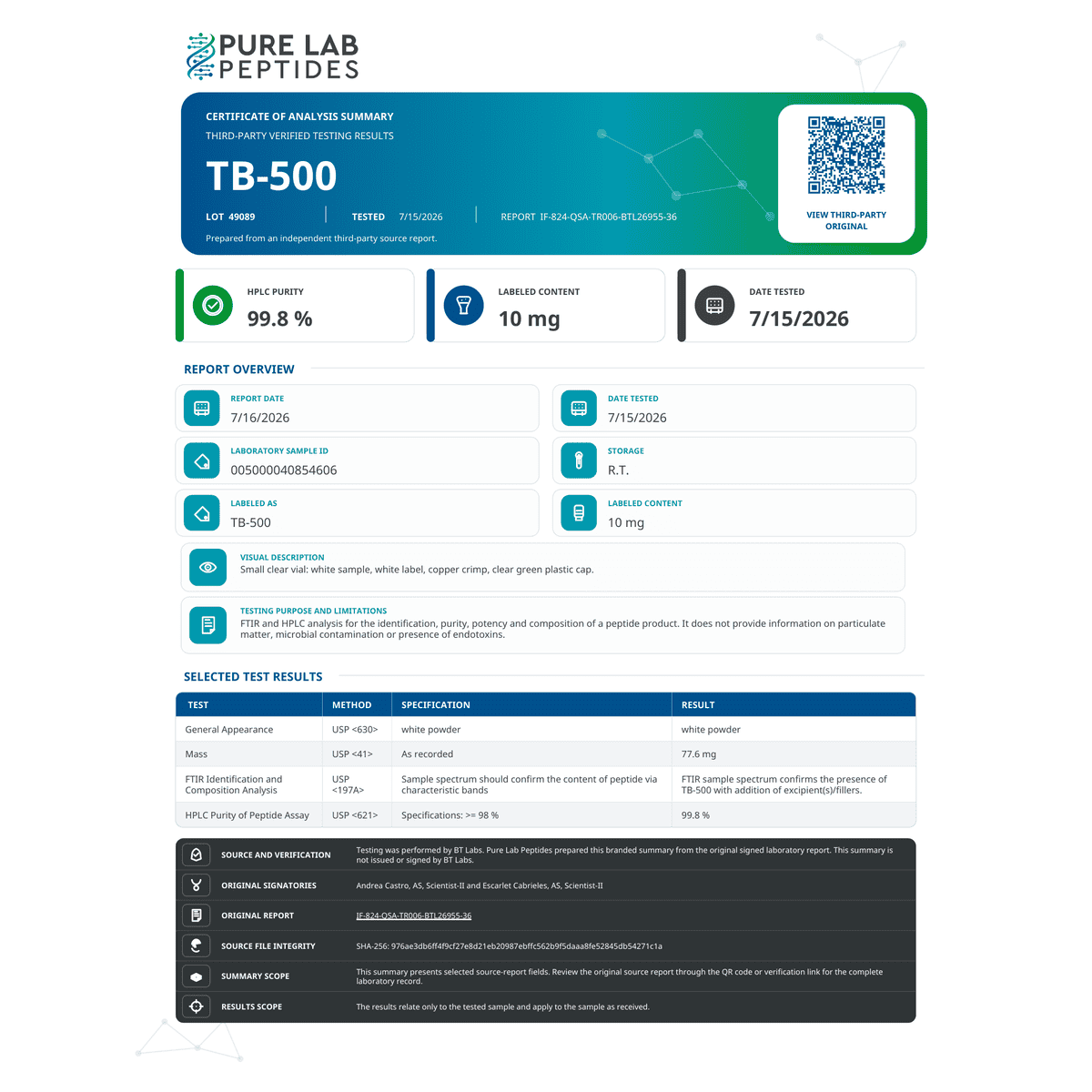
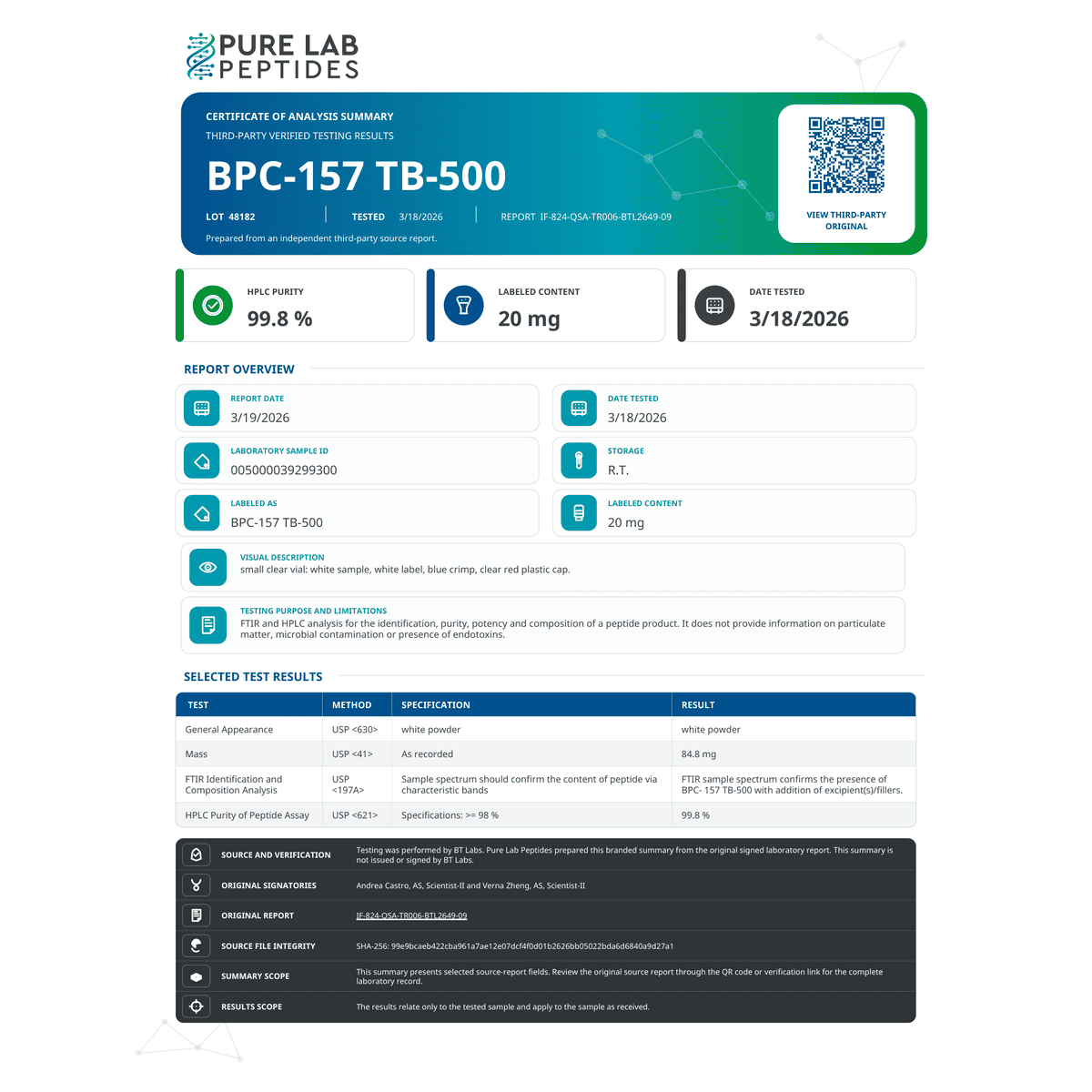
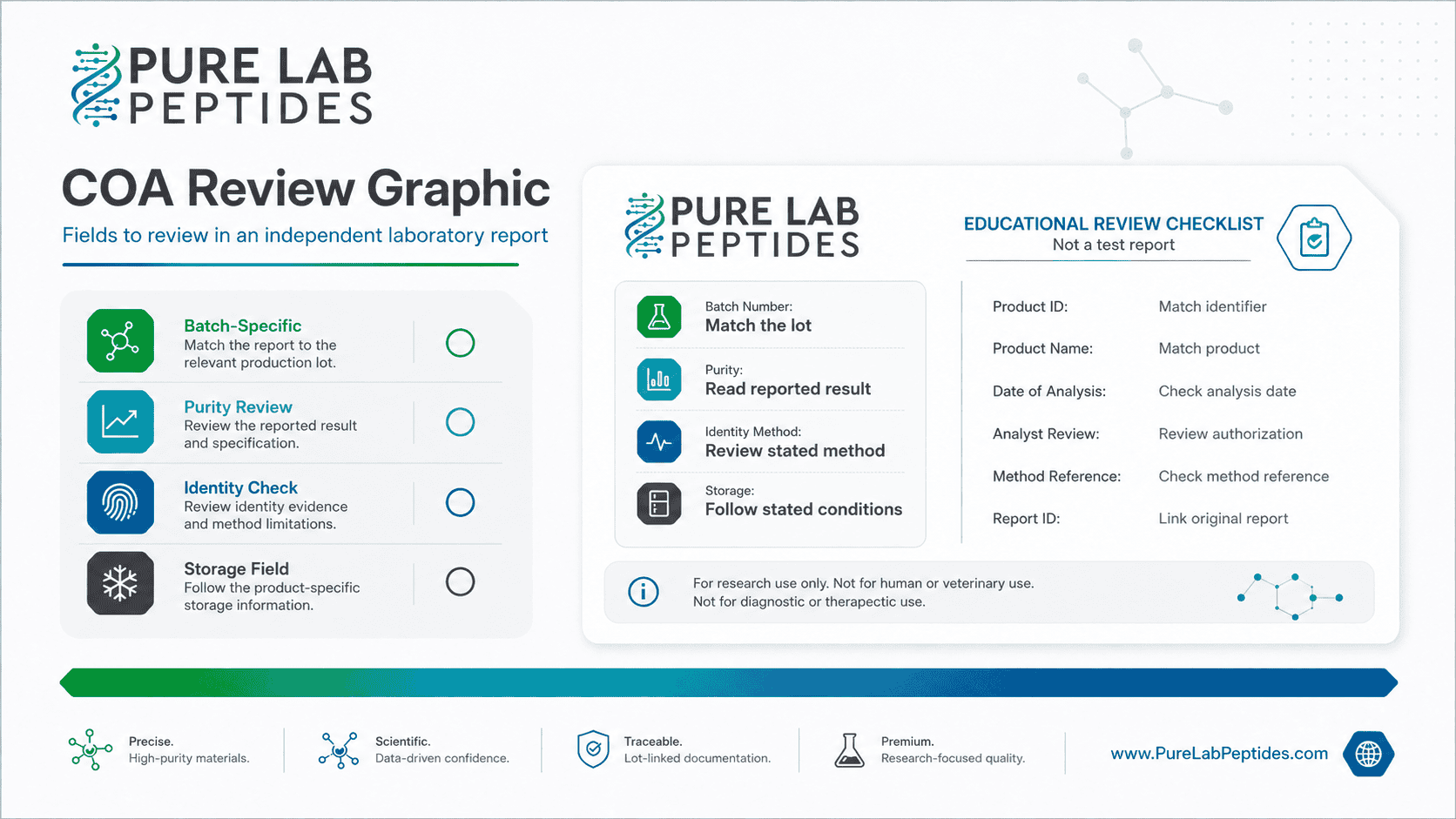
Start a certificate of analysis with the identifiers: the product or sample name, batch number, report number and analysis date. Once those match the material you are reviewing, read the methods, specifications and measured results. A COA describes the laboratory’s examination of that identified sample.
The specification and the test result can be close without being identical. In the original GHRP-2 laboratory report 39709, the quantity specification is 10 mg and the reported result is 9.995 mg. Both figures refer to sample lot 89304. They do not establish the quantity in another GHRP-2 lot or another product.
A purity percentage also needs context. Read it with the method and the sample details, rather than treating it as a description of every property of the material. If your laboratory needs an attribute that the report does not include, ask for the relevant documentation before relying on it.
Understand what the analytical method describes
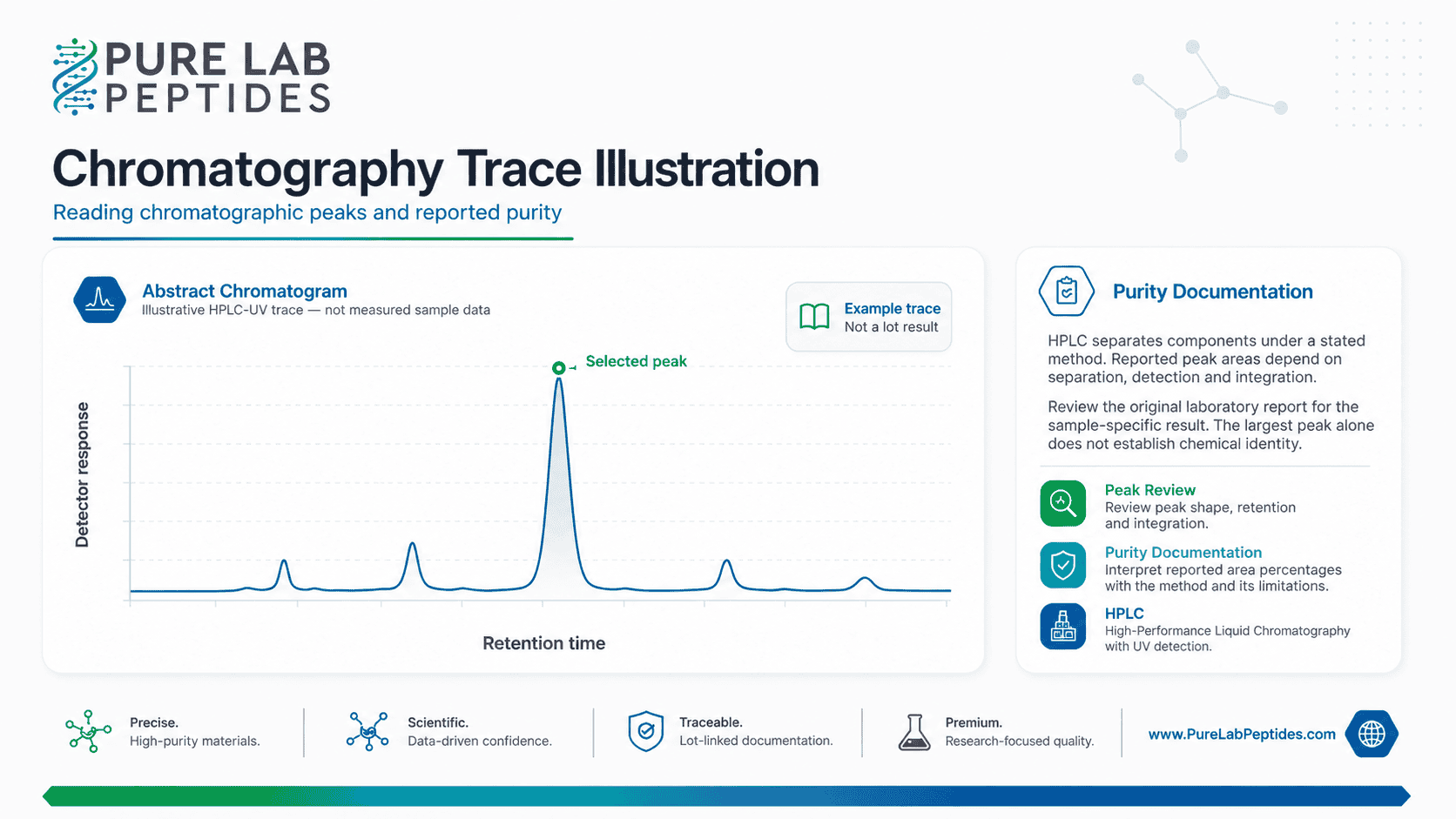
High-performance liquid chromatography, or HPLC, is used to separate and analyze peptides. Different chromatographic methods use different conditions, which is why the method and supporting trace matter. For a technical explanation of several approaches used in peptide laboratories, see HPLC Analysis and Purification of Peptides.
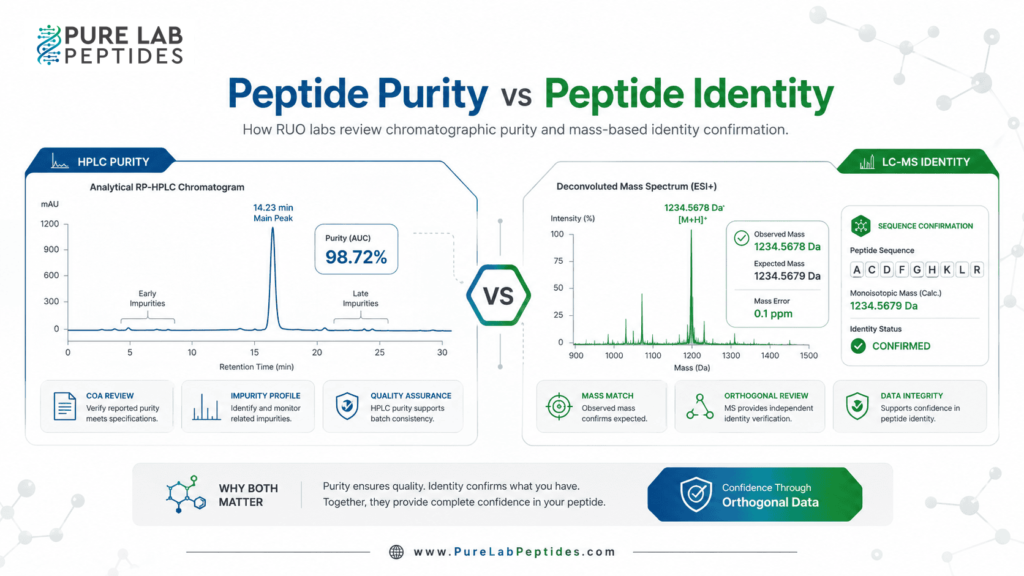
Purity and identity answer different questions. During your review, look at what the laboratory evaluated and the evidence it provided for each result. If the report includes mass spectrometry or LC-MS data, read those alongside the other sample records. A method described in a general guide may not have been used for your sample.
For a particular lot, the original laboratory report is the reference for what was tested and reported. Use the method stated there. The guide to Peptide Purity vs Peptide Identity explains the distinction in more detail.
Match the product, lot and report
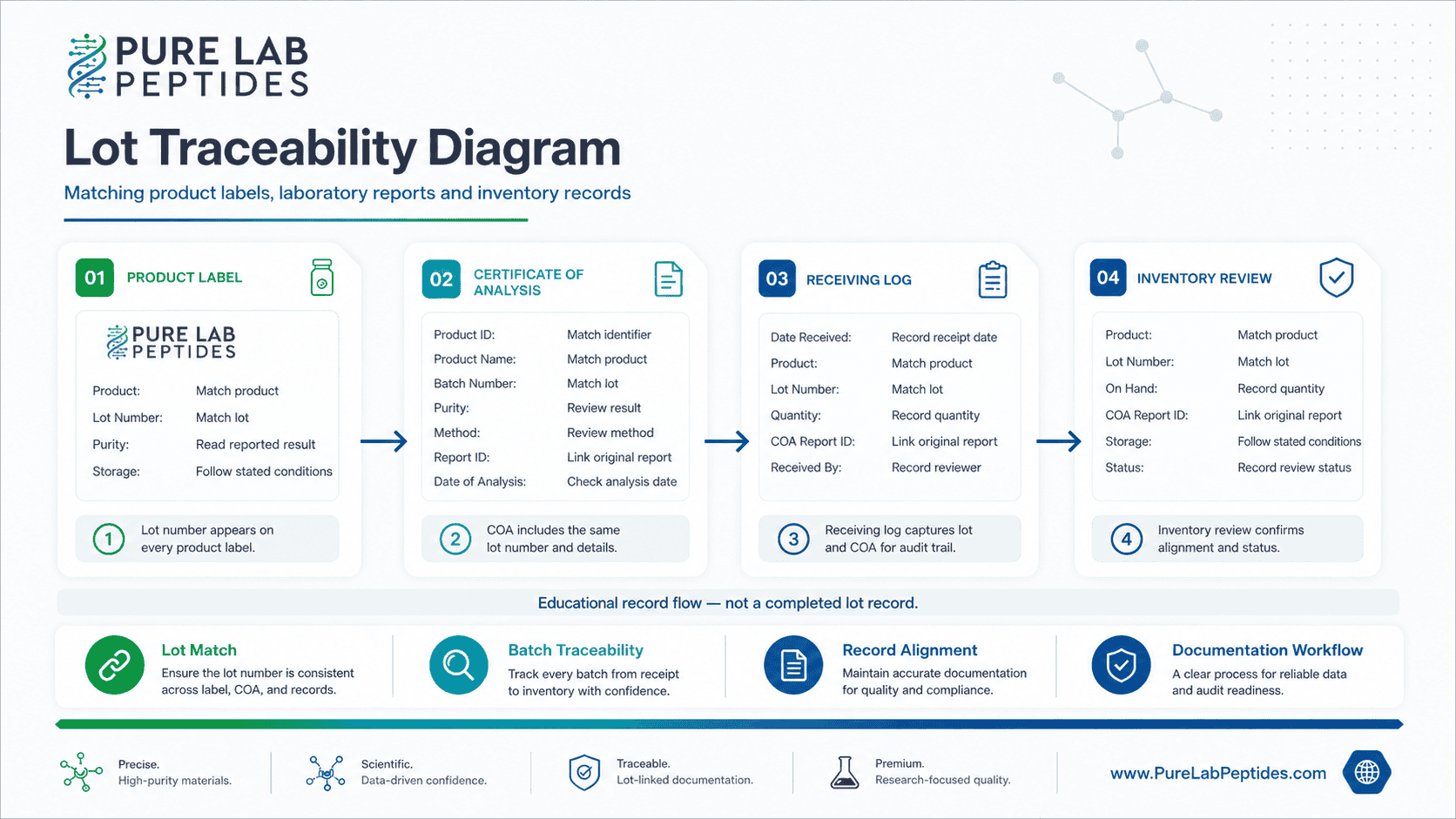
The lot number is the link between the product label and its laboratory documentation. Match it across the product record, original report and material you receive. A report from a previous lot may be useful for your files, but its results do not establish the results for a new batch.
You can find published records in the peptide COA results library. Search for the compound, check the lot details and open the original report. If you find several records, use their dates and identifiers to choose the one that matches your material.
Cannot find the lot you need? You can contact Pure Lab Peptides support with the compound name and lot number. Keep the question open until the matching documentation is identified. A product photo or a general purity specification does not supply that missing connection.
Plan the order and laboratory intake
Before placing an order, check availability and read the shipping and returns policy for the shipping options and dispatch conditions that apply. Save the product information and relevant report links with your procurement records so they are ready when the shipment arrives.
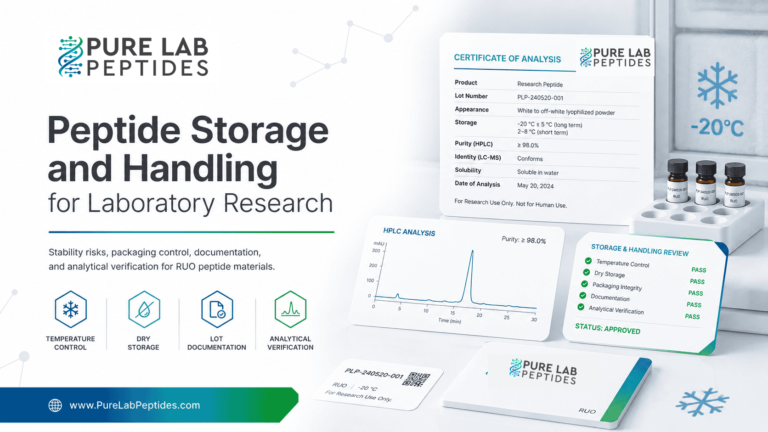
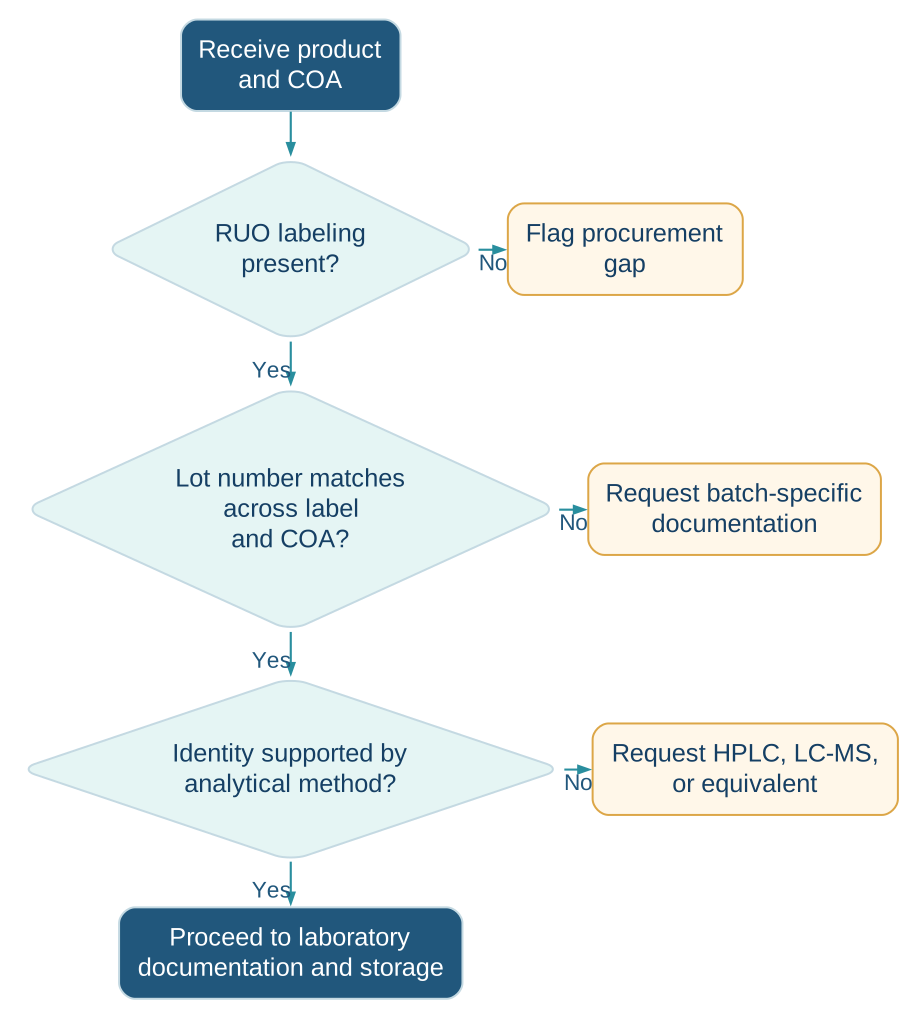
When the material arrives, compare its label, listed amount and lot number with the records you saved. Note any discrepancy and contact support. For storage and handling, follow the individual product documentation and your laboratory’s procedures. Our storage and handling guide and freeze-thaw research guide give additional background, rather than one storage condition for every material.
A shipment certificate and a laboratory COA have different jobs. Verify Your Order checks an order-authenticity certificate. The original laboratory report is where you review the documented analysis of the sample.
Questions about buying research peptides
Why does the homepage show only one size per family?
Showing one selected size makes it easier to see the range of compounds. Open a product page or the full catalog to compare the other listed sizes and check availability.
Where can I find peptide COA results?
Search the COA results library for the compound you need, then match the lot. Open the original laboratory report to read its methods, specifications and measured results.
Does a published report apply to every product in a family?
No. The report covers a specific tested sample. Its product and lot identifiers need to match the material you are reviewing, including the variant or blend.
How should I compare a peptide blend?
Look at each named component and its listed amount, then the total blend amount. Use the documentation for the blend itself. A report for one component does not replace a report for the blend.
Who can help with a product or documentation question?
Contact our support team with the product name and the relevant lot or order reference. If you are asking about a laboratory record, include its report identifier too.
Explore the complete research catalog or review published COA records to compare your options before selecting laboratory material.